

If you run a transportation business and you're not showing up when someone searches "black car service near me" or "airport shuttle in [your city]," your fleet stays parked while a competitor gets the booking. Google Business Profile is the free tool that controls exactly what Google shows about your business in Search and Maps, and understanding what it is and how it works is the first step to fixing your visibility. Many transportation providers assume it's only relevant for restaurants or retail shops. That assumption is costing them real revenue.
Table of Contents
- What is Google Business Profile and why it matters for transportation services
- Eligibility and business types: Understanding service-area and hybrid profiles for transport providers
- How to set up and verify your Google Business Profile step-by-step
- Managing your profile for maximum local SEO impact and customer engagement
- Common pitfalls and expert tips for transportation providers using Google Business Profile
- Why mastering your Google Business Profile is a game-changer for transportation services
- Enhance your Google visibility with CBM Agency's expertise
- Frequently asked questions
Key Takeaways
| Point | Details |
|---|---|
| Google Business Profile definition | GBP is a free tool to manage your business presence on Google Search and Maps, essential for transport providers to attract local clients. |
| Business type eligibility | Transportation services qualify as service-area or hybrid businesses if they have in-person interactions during stated hours. |
| Profile setup essentials | Create a Google Account, claim your profile, and verify via video, phone, or email within about five business days. |
| Local SEO benefits | Accurate, comprehensive business information and active review management improve visibility and customer trust. |
| Avoid common pitfalls | Ensure your profile aligns with your real operations and eligibility guidelines to avoid suspensions or poor performance. |
What is Google Business Profile and why it matters for transportation services
Google Business Profile (GBP) is Google's free tool that lets you control how your business appears across Google Search and Google Maps. Think of it as the front door to your business on the internet. When someone searches for a service you offer in your area, your GBP is what shows up in that map section at the top of the results, complete with your phone number, hours, reviews, and a link to your website.
As Google explains it, GBP lets you manage your business info on Search and Maps and interact with customers via reviews and insights. For transportation providers, that means you can display your service areas, list the types of trips you handle (airport transfers, corporate accounts, event transportation), and collect reviews that build credibility before a potential client ever calls you.
Here is what a well-managed GBP does for your transportation business:
- Shows your business in local map results when nearby customers search for your services
- Displays your phone number and website so clients can reach you instantly
- Highlights your service areas so Google knows which cities and zip codes you cover
- Collects and showcases customer reviews that influence booking decisions
- Allows you to post updates about promotions, new routes, or seasonal services
"A Google Business Profile is not a passive listing. For transportation providers, it is an active booking engine that works around the clock, surfacing your business to clients at the exact moment they need a ride."
You can explore what a Google Business Profile overview looks like for service businesses to understand how it applies to your specific operation. The transportation industry insights on GBP also confirm that providers who treat their profiles as dynamic tools consistently outperform those who set them up once and forget them.
Eligibility and business types: Understanding service-area and hybrid profiles for transport providers
With a clear idea of what GBP is, it's important to know if and how your transportation business qualifies to list a profile.
Google's eligibility rules are straightforward but often misunderstood by transportation providers. Eligible businesses must have face-to-face customer contact during business hours. Online-only businesses do not qualify. For most transportation companies, this is not a problem. You interact with passengers in person every time you complete a trip.
The key decision is choosing the right business type. Google offers two relevant options for transportation providers:
- Service-area business: You go to your customers. You do not serve them at a fixed address. A black car service that picks up clients at their homes or offices fits this model.
- Hybrid business: You do both. You have a physical location customers can visit (a dispatch office, for example) and you also travel to serve clients in the field.
Service-area businesses visit or deliver to customers but do not serve them at their address, while hybrid businesses do both. Choosing the wrong type creates real problems. If you list yourself as a storefront business but have no public-facing address, Google may flag your profile or reduce your visibility in local results.
When setting up your Google Business Profile, select service-area business if you operate entirely in the field. Add your service areas by city, county, or zip code. Be specific. Google uses this data to determine when and where to show your listing.
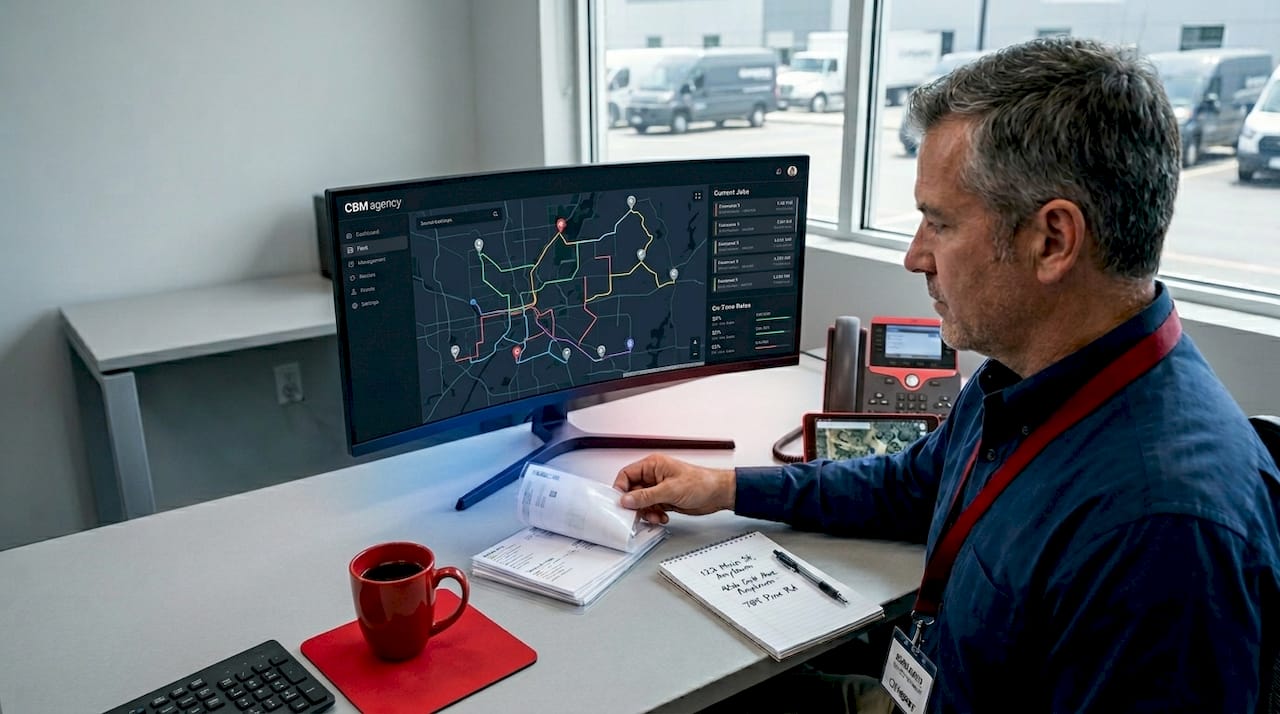
Pro Tip: Do not hide your address if you have a legitimate office that customers can visit. Hybrid profiles that show a real address tend to rank better in local results than pure service-area profiles, all else being equal.
How to set up and verify your Google Business Profile step-by-step
Once you confirm your eligibility, here's how to create and verify your Google Business Profile to start attracting customers.
The process is straightforward, but the details matter. Follow these steps carefully to avoid delays.
- Create or sign into a Google Account tied to your business email, not a personal Gmail.
- Go to Google Business Profile and search for your business name. If it already exists, claim it. If not, create a new listing.
- Choose your business category. For transportation providers, options like "Transportation Service," "Limousine Service," or "Airport Shuttle Service" are available. Pick the most accurate one.
- Select your business type (service-area or hybrid) and add your service areas.
- Enter your phone number, website, and business hours.
- Choose your verification method. Verification can be done by video, phone, text, or email and may take up to five business days.
- Complete verification. For video verification, Google will ask you to record a short clip showing your business in operation. Have your vehicle, any signage, and proof of operations ready.
Video verification is recommended when available because it tends to reduce back-and-forth delays compared to other methods. If you are verifying a fleet operation, show the vehicles and any dispatch materials you have on hand.
Once verified, your profile goes live. You can then add photos, list your services, and begin managing your presence. The Google Business Profile setup guide walks through each step with screenshots if you want a visual reference.
Pro Tip: Set your verification appointment during a time when you can be physically present with your vehicle or at your office. Rushing through video verification with a blank background is the most common reason for delays and re-submissions.
Managing your profile for maximum local SEO impact and customer engagement
After setting up your profile, managing it carefully ensures you get the most local search and customer engagement benefits.
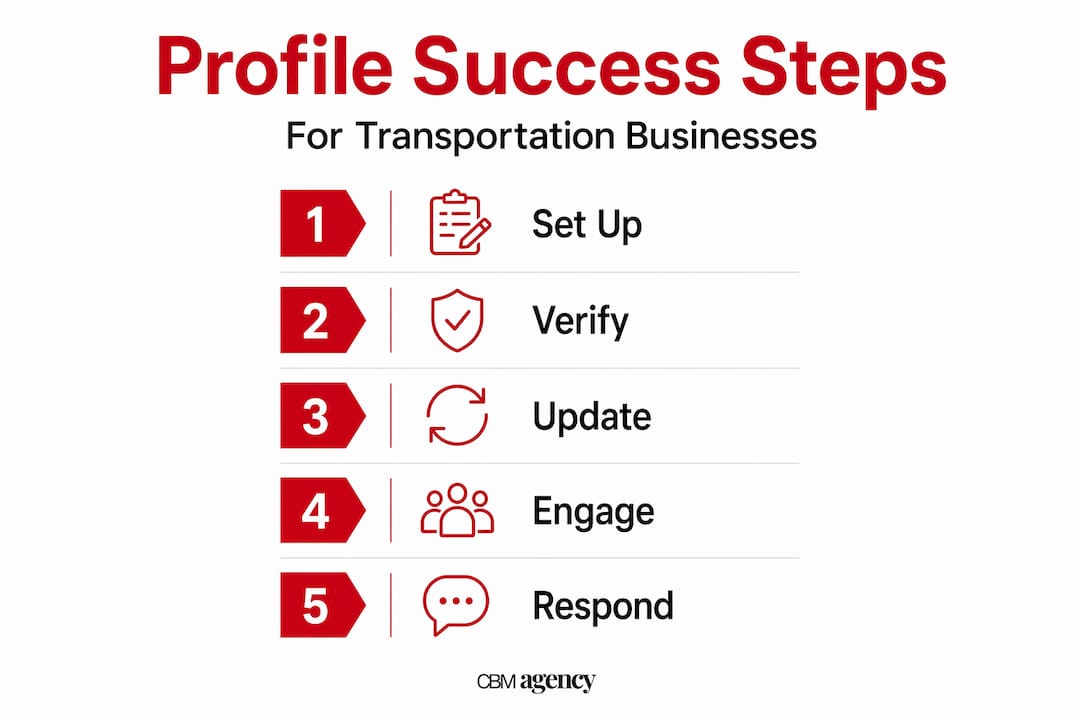
Accurate and complete information in your Google Business Profile drives local SEO more than adding keywords. Google rewards profiles that reflect real, consistent operations. That means your phone number, hours, and service areas need to match what's on your website and any other directory listings you have.
Here is what active profile management looks like in practice:
- Update your hours for holidays, special events, or seasonal changes before they happen, not after a client calls and gets no answer.
- Respond to every review, positive or negative. A professional response to a critical review tells future clients more about your business than five-star praise.
- Post updates regularly. A post about a new corporate account package or a seasonal airport transfer promotion keeps your profile active and signals to Google that your business is current.
- Add photos of your vehicles. Real images of your fleet build trust faster than any written description.
Profiles for service businesses can include service areas, business hours, phone, website, reviews, and services offered. Use every available field. Incomplete profiles rank lower and convert worse.
| Profile element | Impact on local SEO | Impact on customer trust |
|---|---|---|
| Accurate hours and phone | High | High |
| Service area coverage | High | Medium |
| Customer reviews (with responses) | High | Very high |
| Photos of vehicles/operations | Medium | Very high |
| Regular posts and updates | Medium | Medium |
Understanding how improving bookings from Google works for transportation companies shows that profile completeness and review activity are the two biggest factors separating providers who get calls from those who don't. You should also be aware of local SEO and AI search behavior since AI-powered search results increasingly pull from GBP data when answering local queries.
Pro Tip: Ask for a review immediately after a successful trip while the experience is fresh. A simple follow-up text with a direct link to your Google review page removes all friction and dramatically increases the response rate.
Common pitfalls and expert tips for transportation providers using Google Business Profile
To wrap up the core content, let's review common traps and expert tips to keep your profile in good standing and effective.
Misalignment between stated hours, physical operations, and Google's eligibility criteria is a frequent cause of profile suspension. A suspended profile disappears from search results entirely, which means zero calls and zero bookings until it is reinstated.
Watch out for these specific mistakes:
- Listing a virtual office or mailbox address as your business location when you do not actually operate from there. Google's guidelines require a real, staffed location for non-service-area profiles.
- Inconsistent business information across your website, GBP, and other directories. If your phone number differs between platforms, Google treats it as a trust signal problem.
- Ignoring the Q&A section on your profile. Anyone can post a question there, and if you do not answer it, someone else might, with inaccurate information.
- Using keyword-stuffed business names. Adding "best airport shuttle" to your listed business name violates Google's policies and can trigger a suspension.
"The businesses that maintain compliant, accurate, and active profiles are the ones that show up consistently. Shortcuts in GBP management rarely pay off and frequently backfire."
Reviewing SEO best practices alongside your GBP management gives you a broader picture of how your profile fits into your overall local search strategy.
Why mastering your Google Business Profile is a game-changer for transportation services
Here is the perspective most articles on this topic skip over entirely.
Transportation providers tend to treat GBP as a directory entry. Fill it out once, forget it, and hope it works. The providers who actually win local search treat it as an operational reflection of their business. Every update, every review response, every accurate service area is a signal to Google that says: this business is real, active, and trustworthy.
The uncomfortable truth is that your GBP does not just tell Google about your business. It tells Google whether your business deserves to be shown to customers. GBP is fundamentally about controlling accurate operational info, not keyword stuffing, for genuine local SEO growth. Providers who chase keyword tricks in their profile descriptions while neglecting accurate hours and service areas consistently underperform against competitors who do the basics right.
There is also a forward-looking dimension here. AI-powered search tools are increasingly pulling local business data directly from GBP when answering questions like "who offers corporate car service in downtown Chicago." If your profile is incomplete or outdated, you are invisible to those queries. The alignment between what your profile says and what your business actually does is becoming a competitive advantage that compounds over time.
The private chauffeur bookings insights we have seen across transportation clients confirm this pattern. The businesses that treat GBP management as a weekly operational task, not a one-time setup, generate measurably more inbound calls and bookings from Google than those who do not.
Enhance your Google visibility with CBM Agency's expertise
Your Google Business Profile is only as powerful as the strategy behind it. Getting the setup right is step one. Keeping it optimized, compliant, and working as a real booking engine is where most transportation providers need support.
CBM Agency specializes in professional Google Business Profile management for transportation and service businesses across the United States. We handle everything from initial setup and verification to ongoing optimization, review strategy, and local SEO alignment. You can see exactly what that looks like in our Google Maps case study, which shows real results for real transportation clients. If you want a complete picture of how local search fits into your growth plan, explore our comprehensive local marketing services and let's talk about what your profile should be doing for your business.
Frequently asked questions
Is Google Business Profile free to use for transportation service providers?
Yes, Google Business Profile is free and lets transportation businesses manage their presence on Google Search and Maps at no charge.
Can a transportation business without a storefront qualify for a Google Business Profile?
Yes. Service-area businesses that visit customers directly and have in-person contact during business hours are eligible to create and maintain a profile.
How long does it take to verify a Google Business Profile?
Verification takes up to five business days depending on the method you choose, whether that is video, phone, text, or email.
What are the benefits of regularly updating my Google Business Profile?
Regular updates keep your business information accurate, strengthen local SEO, build customer trust, and allow you to engage with clients through reviews and profile posts that keep your listing active.
What happens if my transportation business does not meet Google's eligibility requirements for a profile?
If you do not have face-to-face customer contact during stated business hours, Google may reject your application or suspend an existing profile until the issue is resolved.